Ever wish coding could feel faster, smarter, and way less repetitive? Picture this: you’re knee-deep in a project, typing away, and suddenly an AI suggests the perfect function, debugs your snag in seconds, or even refactors your legacy mess. AI is revolutionizing software development by automating the grind, catching errors early, and unlocking creative breakthroughs. In this post, we’ll explore 14 standout AI tools for developers that skyrocket productivity, sharpen code quality, and supercharge collaboration. From autocomplete wizards to documentation automators, these tools fit solo programmers, enterprise teams, and everything in between.
1. GitHub Copilot – Your Code Completion Sidekick
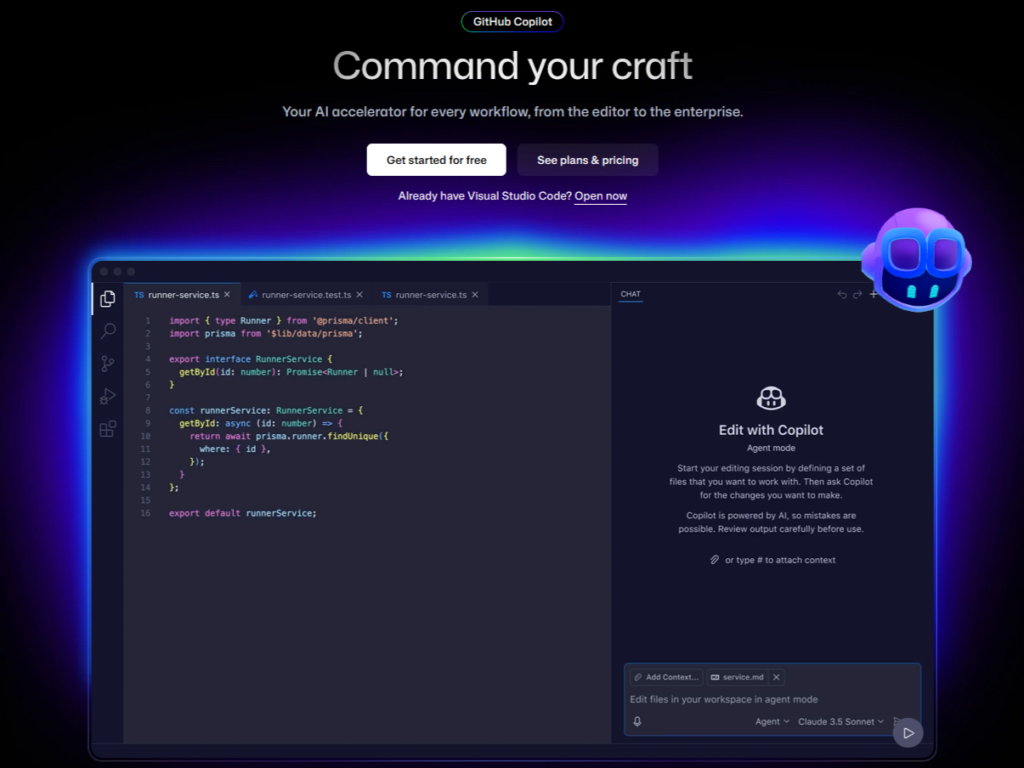
GitHub Copilot leads the pack of AI tools for developers as an AI-powered code completion tool baked into VS Code, JetBrains IDEs, and Neovim. Trained on vast public repos, it predicts what you need next.
It autocompletes lines, functions, or even full modules across Python, JavaScript, TypeScript, Go, and dozens more. Developers report 55% faster coding sessions because it handles boilerplate and patterns effortlessly.
Link: https://github.com/features/copilot
2. Tabnine – Context-Aware Autocomplete
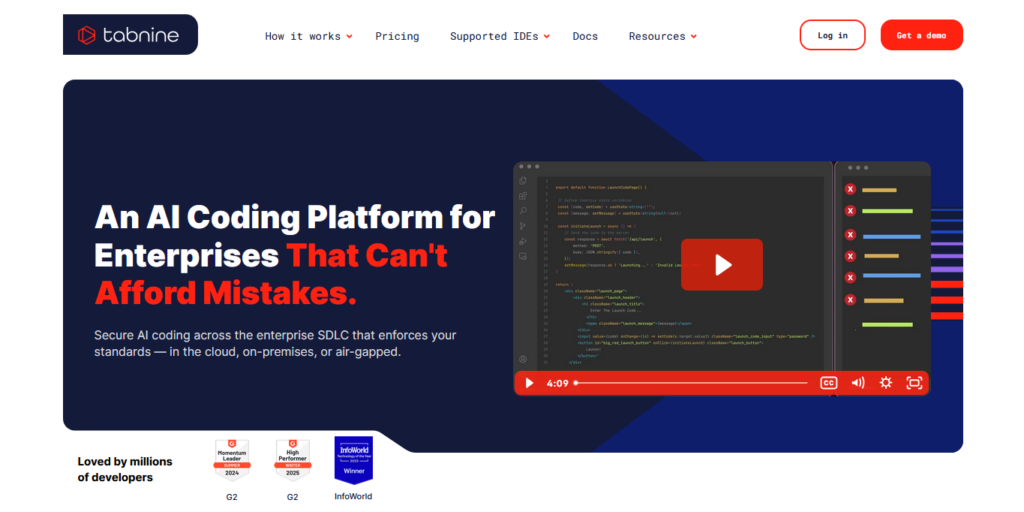
Tabnine takes autocomplete further with AI that adapts to your entire project or team’s codebase, working in VS Code, IntelliJ, or Sublime. It’s privacy-focused with local models available.
Features like whole-line predictions, team-trained models, and zero-latency suggestions minimize errors and accelerate flow. Pro users see up to 30% less debugging time. Imagine completing complex JavaScript functions in seconds instead of manually typing every line. Tabnine streamlines that process.
Link: https://www.tabnine.com/
3. Replit Agent – Autonomous App Builder
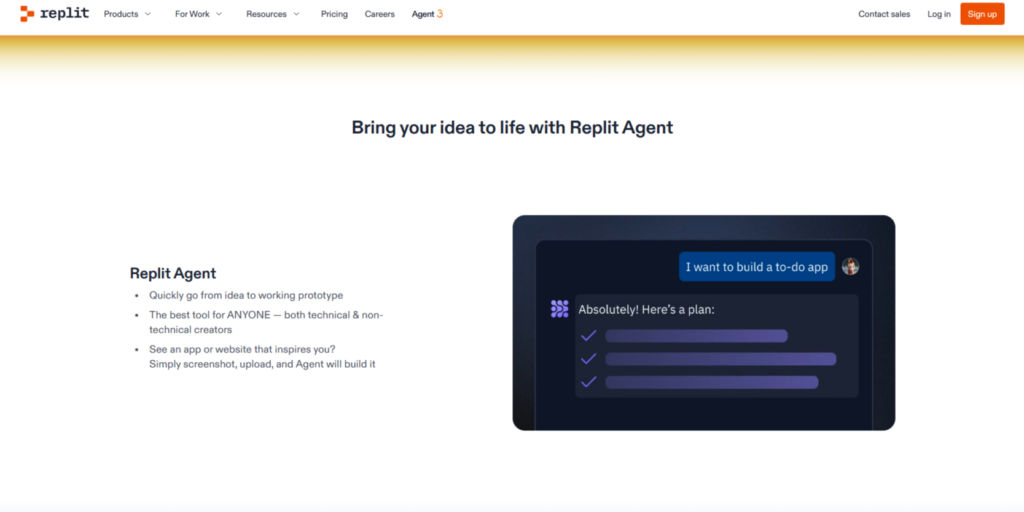
Replit Agent revolutionizes prototyping as an AI agent in Replit’s cloud IDE that builds entire apps from natural language prompts. It’s like handing off specs to a full dev team.
Key features include end-to-end app generation (frontend, backend, database), iterative refinements via chat, and one-click deployments. Among AI tools for developers, it’s perfect for rapid MVPs without manual setup.
Link: https://replit.com/ai
4. Amp – AI Code Review Accelerator
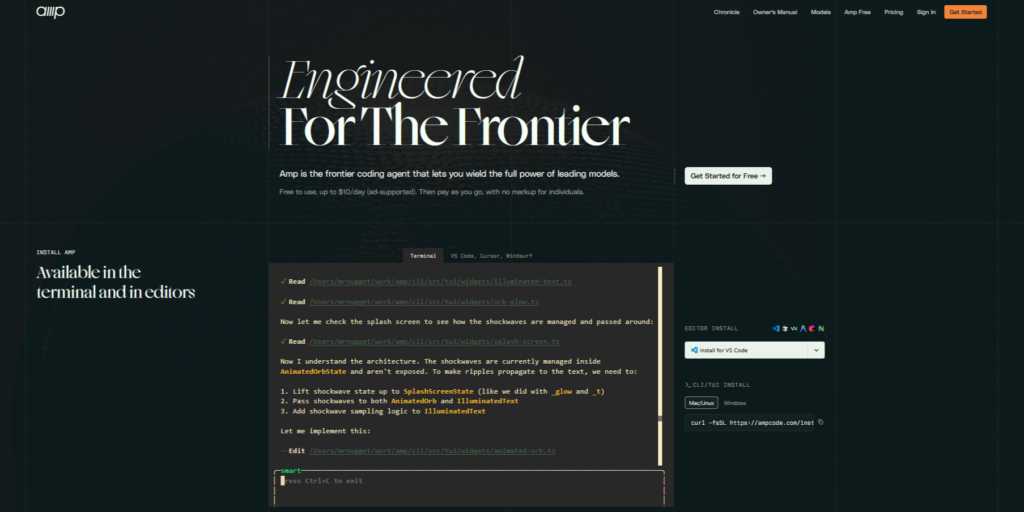
Amp supercharges pull requests as an AI agent that automates code reviews across massive codebases. It integrates with GitHub, GitLab, and more for instant feedback.
Key features include security vulnerability scans, refactor suggestions, test generation, and PR summaries with actionable diffs. As a top AI tool for developers, it scales reviews for teams, catching issues humans miss.
Link: https://ampcode.com/
5. Amazon Q Developer – Agentic AWS Powerhouse
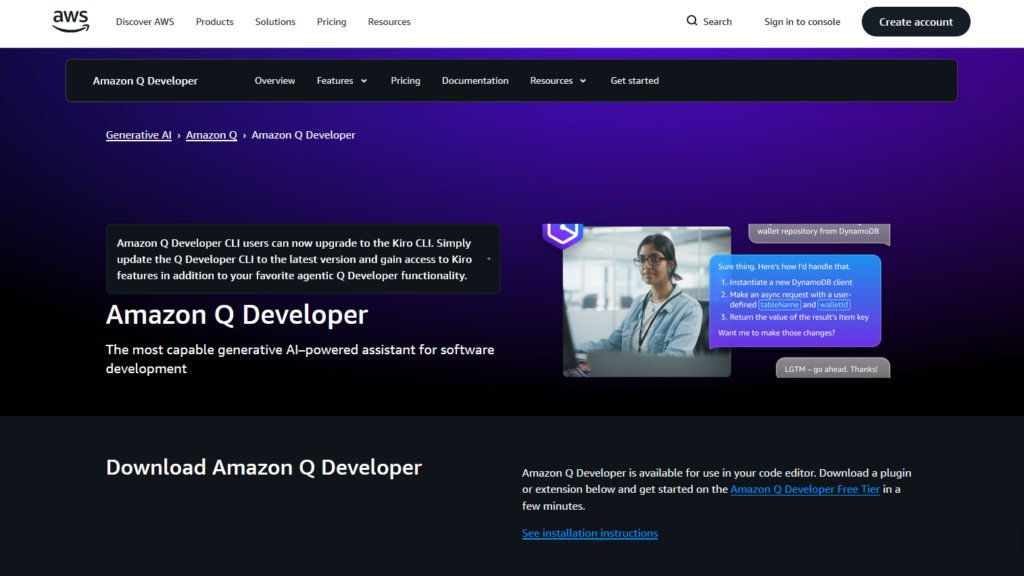
Amazon Q Developer elevates AWS development as a generative AI assistant with autonomous agents for multi-step tasks, evolving from CodeWhisperer into a full IDE/CLI companion.
Key features include real-time code generation, automated documentation (READMEs, diagrams), code reviews for security/best practices, unit test creation, and legacy transformations like Java upgrades. Among AI tools for developers, it handles end-to-end workflows securely with private repo access.
Link: https://aws.amazon.com/q/developer/
6. Cursor – The AI-First Code Editor
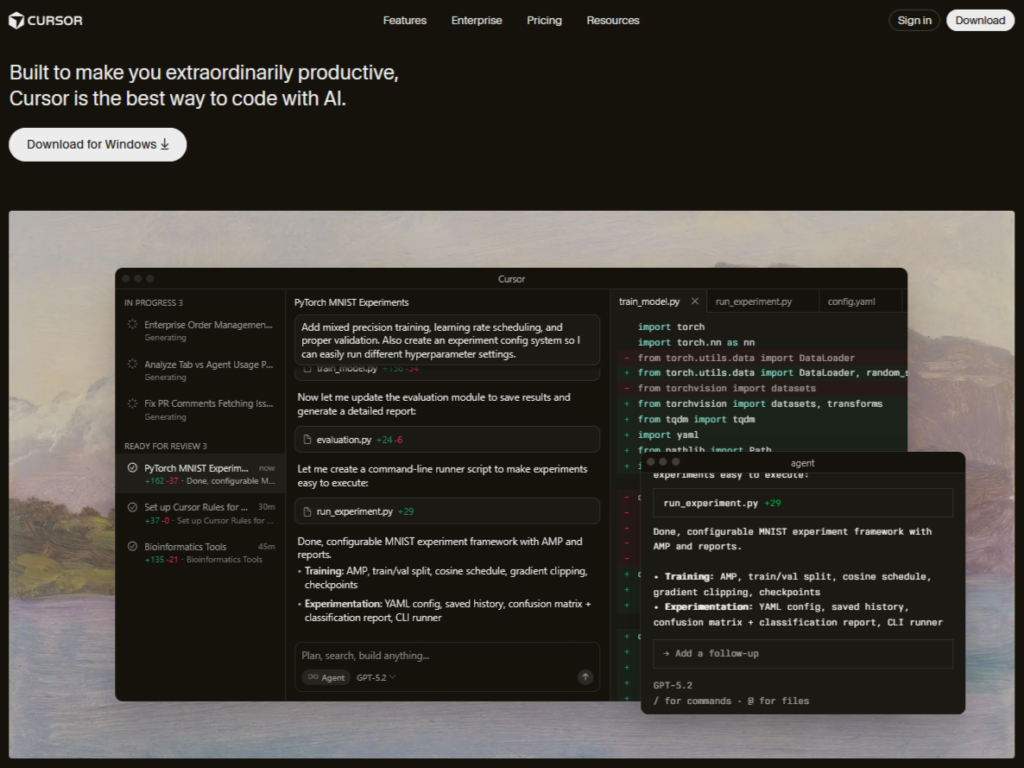
Cursor reimagines coding as a standalone editor with built-in AI, rivaling VS Code but lighter and smarter. Composer mode lets you edit via natural language.
Autocomplete, inline refactoring, and “select and transform” handle bulk changes fast. It’s blazing quick on modest hardware. Editing Python scripts or Java programs becomes much more efficient, letting you focus on creative problem-solving rather than repetitive typing.
Link: https://cursor.com/
7. Warp – Smarter Terminal Commands
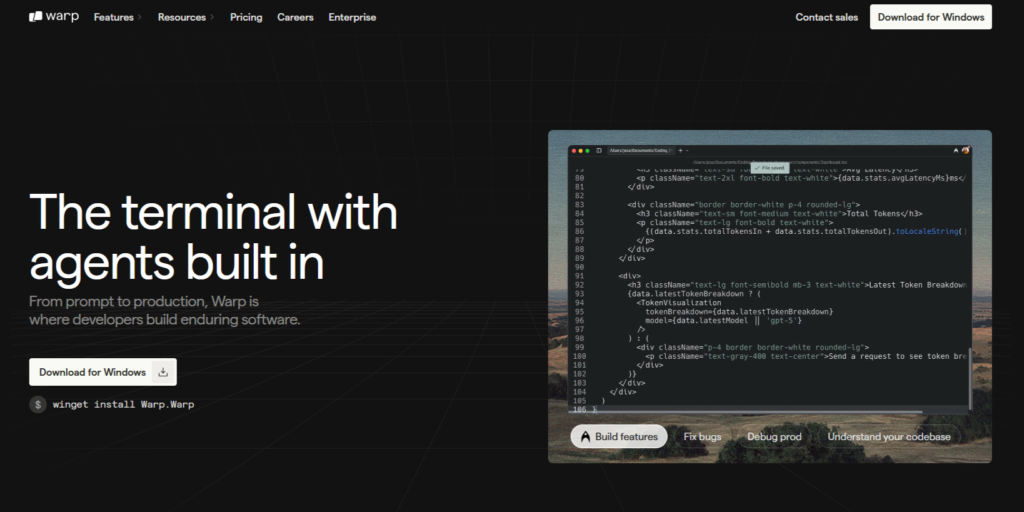
Warp upgrades the terminal with AI command prediction, natural language to shell, and workflow blocks. Shareable for teams.
It autocompletes Git rebases, Docker builds, or kubectl deploys, plus error explanations. CLI heavyweights save hours weekly. For developers who spend significant time in the terminal, Warp AI saves countless minutes. Running Git commands, Docker containers, or deployment scripts becomes faster and smoother with AI assistance.
Link: https://www.warp.dev/
8. Mintlify – Effortless Documentation
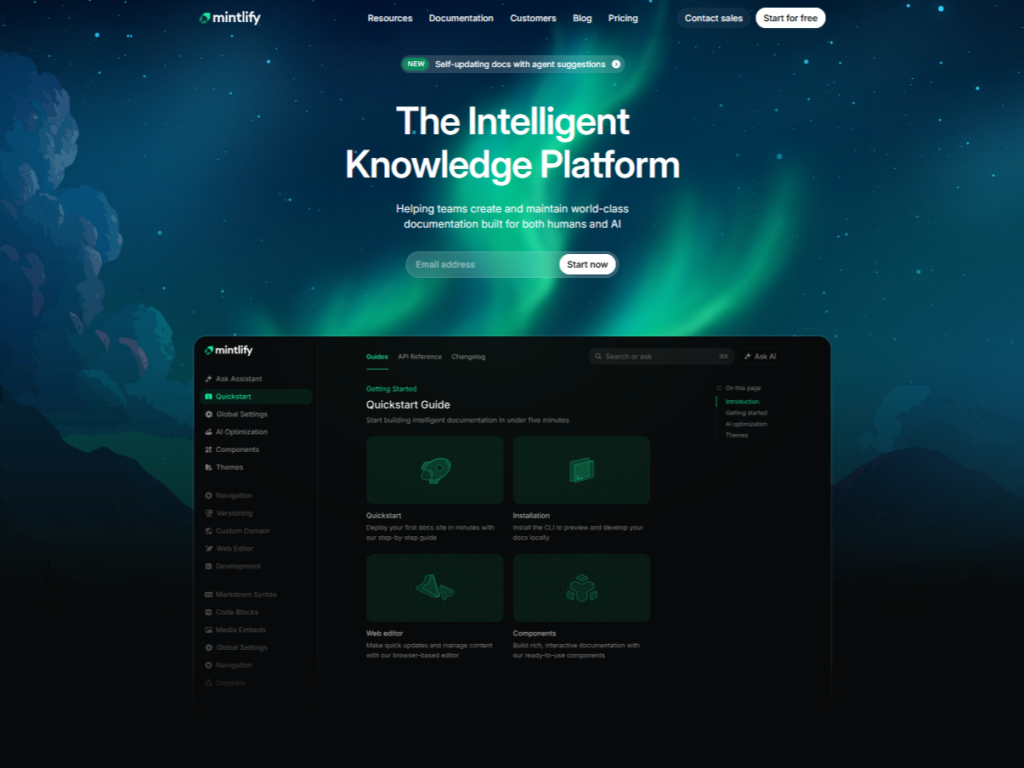
Mintlify turns code into pro docs via AI, scanning comments and generating Markdown, OpenAPI specs, or interactive playgrounds. Integrates with GitHub.
Auto-updates on commits keep everything synced, with search and versioning. Saves teams 40% on doc maintenance. If you are building a Python library or managing internal tools, Mintlify ensures your documentation is clear and consistent.
Link: https://www.mintlify.com/
9. Blackbox AI – Instant Snippet Search
Blackbox AI is a code snippet engine with VS Code extension, pulling from 100M+ GitHub files plus custom indexes.
Semantic search, one-click paste, and language filters deliver exact matches. Beats Google for precision. Whether you need an algorithm or a UI component, Blackbox AI helps you find it instantly.
Link: https://www.blackbox.ai/
10. Windsurf – Agentic Code Editor
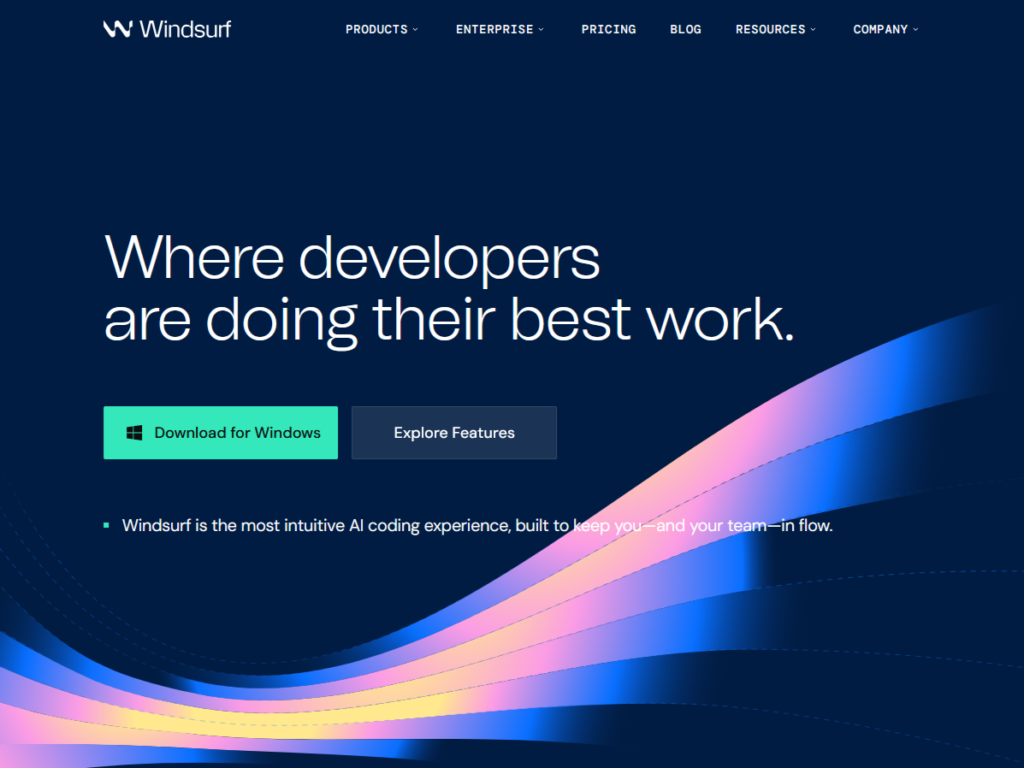
Windsurf emerges as a cutting-edge AI-native code editor that combines Cursor-style editing with autonomous agents for complex workflows. Built for developers who want AI to handle multi-file changes and architecture decisions.
Key features include “Cascade” mode for flowing conversations across files, deep GitHub repo integration, automatic environment setup, and preview deployments. Among AI tools for developers, it bridges editing and full-stack deployment seamlessly.
Link: https://windsurf.com/
Conclusion
These AI tools for developers deliver massive wins. They help speed up coding, reduce mistakes, improve documentation, and make navigating large projects effortless. From autocomplete and code suggestions to AI-powered documentation and refactoring, the tools listed here cover a wide range of development needs. Trying even a few of these AI tools for developers can transform your workflow and give you more time to focus on building great software.
Which AI tool will you try first to enhance your coding process?