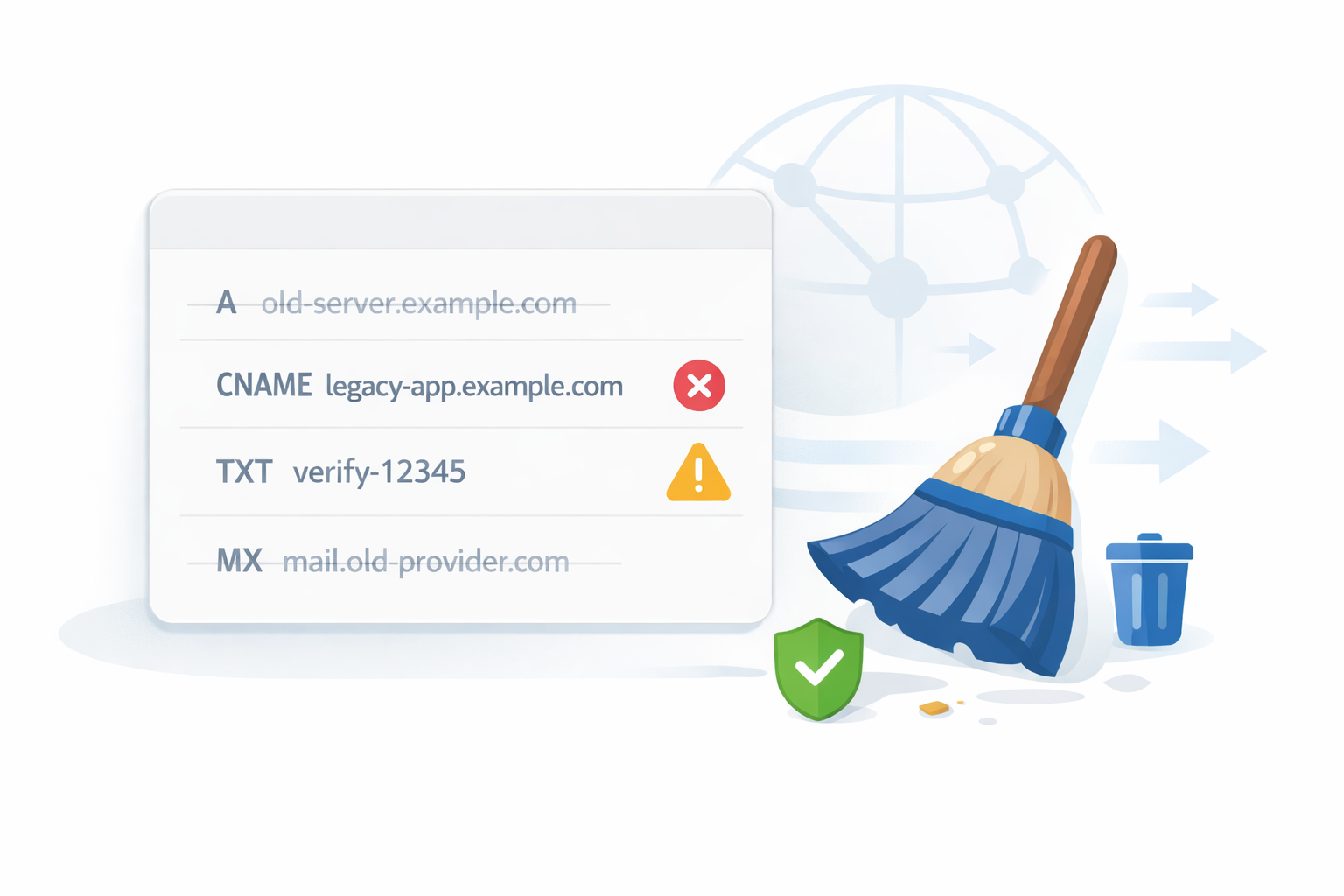
DNS tends to be a “set it and forget it” part of infrastructure. Records get added for new servers, email services, CDNs, verification checks, and short-term projects. Months or years later, many of those records are still sitting there quietly. This clutter builds up over time, and neglecting it will invite slowdowns or even security headaches. Cleaning up old or unused DNS records is not just housekeeping. It directly impacts performance, security, and how easy your infrastructure is to manage.
This guide walks through why DNS cleanup matters, which stale records to watch for, how to audit your zone safely, and how to keep things clean long-term without breaking anything.
Why DNS Record Cleanup is Important?
At a glance, unused DNS records may seem harmless, but over time they can quietly introduce performance issues and security risks that are easy to overlook.
Performance and Reliability
Every DNS query forces resolvers to sift through your zone data. While modern DNS is fast, bloated zones still create unnecessary complexity. Old records increase the chance of misrouting traffic, sending users to deprecated IP addresses, or triggering inconsistent behavior across resolvers. Imagine a web visitor waiting extra seconds because your DNS is sifting through ghosts from a 2018 subdomain.
Lower TTL values combined with stale records can also increase query load. When records no longer serve a purpose, they still consume lookup time and mental bandwidth when troubleshooting issues.
Security Exposure
Unused DNS records are a quiet security risk as they are ripe for hijacking. Attackers actively scan DNS for abandoned subdomains and dangling records, then exploit them for phishing or amplification attacks.
Examples include:
- A records pointing to IPs that are no longer owned by you
- CNAMEs referencing decommissioned SaaS services
- TXT records exposing outdated verification tokens
- MX records referencing old mail providers
Cleaning up old or unused DNS Records reduces your attack surface and helps prevent subdomain takeovers, spoofed email routes, and accidental data leaks. Security experts note fewer risks after routine cleanups. Bottom line: cleaning up old or unused DNS records pays off in speed and safety.
Common Stale DNS Records to Watch For
Not all old records are obvious culprits. Focus on these usual suspects.
A and AAAA records
These are the most common culprits. A records often point to:
- Old VPS or cloud instances
- Previous hosting providers
- Temporary servers used for testing
When subscriptions expire or tools are replaced, CNAMEs are often left behind. These are especially dangerous because many third-party platforms allow domain claiming if a CNAME still exists but the account does not.
TXT Records
TXT records accumulate faster than almost any other type. Common examples include:
- SPF entries from previous mail providers
- DKIM keys for inactive domains
- Verification records for search engines and SaaS tools
Old TXT records can break email authentication or expose unnecessary metadata about your infrastructure.
MX Records
MX records tied to old mail services can cause email delivery issues or open the door to mail interception. If a domain no longer sends or receives email, MX records should be removed entirely.
Spot these by checking last-modified dates or cross-referencing with active services. Cleaning up old or unused DNS records starts with knowing your weak spots.
How to Audit Your DNS Zone?
Auditing uncovers the mess. Start manual for small zones.
Manual Audit Checklist
Start with a simple manual review in your DNS provider dashboard.
Ask these questions for every record:
- What service created this record?
- Is that service still active?
- Does any production traffic depend on it?
- When was it last modified?
If no one can answer what a record is for, that is a strong signal it needs investigation.
Check expiration dates for SaaS tools and hosting services and compare them with your DNS entries. Mismatches are common.
Using Scripts for Larger Zones
For large DNS zones, manual review is not scalable. Scripts can help surface suspicious entries.
Ideas include:
- Flagging records pointing to IP ranges you no longer own
- Identifying CNAMEs that return NXDOMAIN
- Detecting duplicate or conflicting records
- Listing records older than a certain date
A simple Bash one-liner with dig lists all records:
dig AXFR yourdomain.com @your-ns-server | grep -E 'IN\s+(A|CNAME|TXT|MX)'Python fans can use dns.zone from dnspython to parse and flag orphans. Cross-check against active hosts via nmap or Configuration Management Database (CMDB) tools.
Do this quarterly. It’s your first pass at cleaning up old or unused DNS records.
Tools for DNS Record Monitoring
No need to go solo. Free tools make monitoring straightforward.
dig
dig remains the most reliable low-level DNS tool. It helps you:
- Verify record resolution
- Check TTL values
- Confirm authoritative responses
- Test records from different resolvers
You can run dig yourdomain.com ANY to dump records, then probe TTLs and responses.
Running dig regularly during audits helps confirm which records are still active and which are dead.
DNSDumpster
DNSDumpster is useful for external visibility. It shows what an attacker might see when enumerating your domain. This includes exposed subdomains, historical records, and misconfigurations.
If DNSDumpster shows records you forgot existed, that is a cleanup opportunity.
DNS Provider Dashboards
Most DNS providers now offer:
- Change history
- Record tagging or notes
- Health checks
- Traffic insight
These dashboards are often underused. Reviewing change logs can help identify who added a record and why. If your provider supports tagging, start using it immediately.
Pro tip: Set alerts for changes. These tools turn cleaning up old or unused DNS records from chore to routine.
Safe DNS Record Removal Process
Safe DNS cleanup is less about speed and more about control. With the right preparation, even critical records can be removed without disruption.
Always Take A Backup
Before deleting anything, export your DNS zone. Every major provider supports zone exports. Keep a copy in version control or secure storage.
This single step turns a risky change into a reversible one.
Lower TTL Before Removal
For records you plan to remove, lower the TTL 24 to 48 hours in advance. This allows caches to expire quickly if something goes wrong.
Once the TTL has propagated, remove the record and monitor closely.
Use A Staging Approach When Possible
If you manage critical domains, consider testing changes in a staging or non-production zone first. Some providers support DNS views or test domains that mirror production.
Even without formal staging, removing one record at a time is safer than bulk deletion.
Monitor After Deletion
After removing records:
- Ping, curl, and run full audits post-cleanup
- Monitor application logs
- Watch error rates
- Check email delivery
- Verify third-party integrations
Patience here prevents downtime. Cleaning up old or unused DNS records demands caution.
If issues appear, restoring from backup should be immediate.
Ongoing Best Practices for DNS Hygiene
Once your old records are gone, the next step is building habits that prevent clutter from creeping back. Consistent practices keep your DNS reliable and secure.
Document Everything
Every DNS record should have a reason for existing. Use descriptions or comments where supported. If not, maintain external documentation mapping records to services.
Documentation turns DNS from tribal knowledge into shared infrastructure
Use Version Control for DNS
Infrastructure-as-code tools like Terraform, Pulumi, or provider APIs allow DNS to live in version control. This provides:
- Change tracking
- Peer review
- Rollback capability
- Consistent deployments
Version control dramatically reduces DNS drift over time.
Schedule Periodic Audits
DNS cleanup should be routine, not reactive. Quarterly or biannual audits are usually enough for most organizations.
Put reminders on the calendar. DNS does not clean itself.
Remove Records When Decommissioning Services
Make DNS cleanup part of your shutdown checklist. When a server or service is removed, DNS should be updated the same day.
This single habit prevents most long-term DNS clutter.
Wrapping Up
DNS rarely gets attention until something breaks, but neglecting it quietly increases risk over time. Cleaning up old or unused DNS records improves performance, reduces security exposure, and makes troubleshooting far easier when issues arise.
Treat DNS as living infrastructure, not a historical archive. Audit it regularly, document it properly, and remove anything that no longer serves a purpose. A clean DNS zone is easier to manage, safer to operate, and far less likely to surprise you at the worst possible moment.