Skip to content
  • About Us

CWH Tech Tips

Tech Tips and Tricks

  • About Us

Category: Windows

  • Home
  • Windows
  • Page 2
Gaming How To Windows

Optimize Windows 11 for Gaming: Tips for Peak Performance

July 31, 2024August 4, 2024 Sean B.

Are you ready to take your gaming experience on Windows 11 to the next level? With its sleek design and advanced features, Windows 11 offers

Read More
How To Windows

How to Change the Taskbar Size in Windows 11?

June 21, 2024September 18, 2024 Sean B.

Windows 11 has brought a sleek, modern interface that has captivated users worldwide. One of its prominent features is the redesigned taskbar, which serves as
Read More
How To Windows

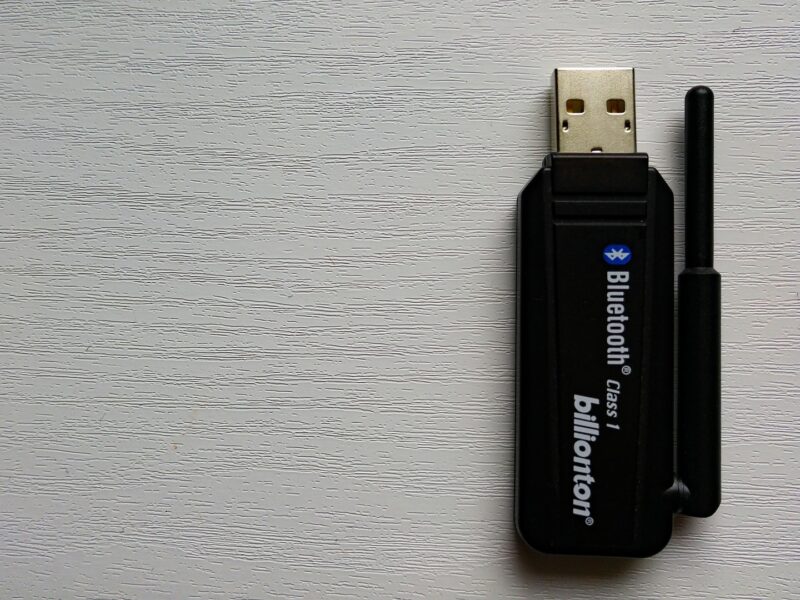
How to Boost Your Bluetooth Signal in Windows?

April 18, 2024September 18, 2024 Sean B.

Bluetooth technology has revolutionized how we connect our devices, from wireless keyboards and mice to speakers and headphones. However, nothing disrupts your flow like a

Read More
How To Windows

How to Stop Windows 11 Updates?

March 21, 2024March 21, 2024 Sean B.

Keeping your operating system updated is usually a good practice, ensuring you have the latest features, security patches, and performance improvements. However, there are instances

Read More
How To Productivity Windows

How to Use Multiple Desktops in Windows 11? 

February 14, 2024February 14, 2024 Sean B.

In this day and age of multitasking and complex workflows, the ability to extend your digital workspace can significantly enhance productivity and organization. Windows 11,

Read More
How To Windows

How to Fix the 0x800f8001 Windows Update Error?

November 17, 2023September 15, 2025 Sean B.

Keeping your operating system updated is not just a matter of accessing new features; it’s a cornerstone of digital security and efficiency. Windows Update plays

Read More
How To Windows

10 Useful CMD Commands for Everyday Windows Users

October 5, 2023September 15, 2025 Sean B.

Welcome to the world of Command-Line Interface (CLI), where we get into a world commonly associated with black screens and white fonts – the Command

Read More
How To Windows

Windows 11 Settings to Keep Your CPU Cool

September 18, 2023September 18, 2023 Sean B.

One of the primary concerns for any computer user is the system’s performance and longevity. If you’ve recently upgraded to Windows 11, you might be

Read More
Windows

Windows 11: To Upgrade or Not to Upgrade?

July 10, 2023July 11, 2023 Sean B.

As someone who has been a long-time Windows 10 user, I can tell you that embracing change in the tech world is a bit like

Read More
Productivity Windows

Windows Productivity Tips

February 9, 2022September 18, 2023 arman

Windows is one of the most common operating systems in the world so we wanted to share some productivity tips to help you tackle those

Read More

Posts pagination

Previous 1 2

Recent Posts

  • How to Find What Process Is Using the Most Disk I/O in Linux?
  • How to Clean Up the WordPress Database Without Plugins?
  • Fixing PuTTY Network Error: Connection Refused and Connection Timed Out (Troubleshooting Guide)
  • Get More Done Faster with These Essential Keyboard Shortcuts for Mac
  • Data Analyst Cheat Sheet: A Practical Guide to Turning Data into Decisions

Categories

  • AI Tools
  • Apps
  • Ceph
  • Cloud Storage
  • Cloudflare
  • Coding
  • Content Creation
  • Control Panel
  • Cybersecurity
  • Data Analysis
  • Django
  • DNS
  • Drone
  • Gaming
  • Git
  • Google
  • Hardware
  • How To
  • How To Get Your Business Online
  • Java
  • Linux
  • Mac
  • PC Builds
  • Productivity
  • PuTTY
  • Python
  • Review
  • SSH
  • SSL Certificate
  • Ubuntu
  • Unboxing
  • VPN
  • Web Hosting
  • Website Performance
  • Windows
  • WordPress
All Rights Reserved 2023.
Proudly powered by WordPress | Theme: Fairy by Candid Themes.