
Have you ever looked at your website and thought, “Why is this still slow?” You already optimized images, enabled caching, minified assets, and maybe even
Category: How To

Windows updates are supposed to work quietly in the background, but anyone who has used Windows long enough knows that updates do not always behave.

Laptop batteries are amazing. They give us the freedom to work, play, and stay connected without hunting for an outlet every few minutes. So, it

For years, many people believed Linux was almost immune to malware. It was often treated like a fortified bunker compared to other operating systems. The

Software doesn’t fail only because of bugs in your code. Sometimes, the network goes silent, an API responds too slowly, or a database temporarily stops

Sometimes, deleting an app on your Mac feels more complicated than it should be. You drag the app to Trash, empty it, and it’s still

If you’ve been using Windows 11 for a while, you’ve probably noticed a few “suggestions,” “tips,” or “promotions” popping up here and there. Microsoft calls

When a website suddenly stops resolving or email deliveries begin to fail, one of the most effective tools to get to the root of the
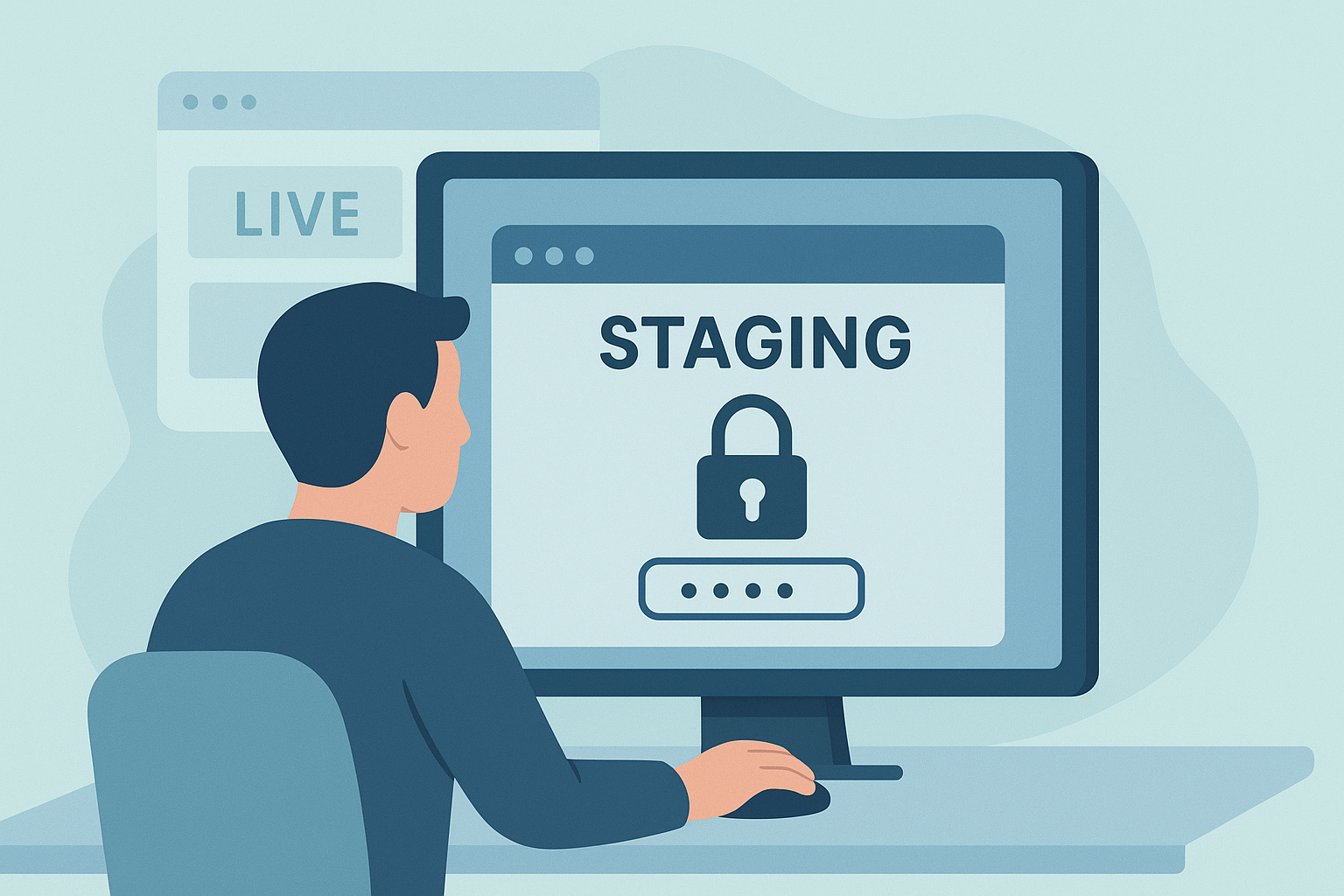
When you’re experimenting with new themes, plugins, or design changes, it’s never a good idea to do it directly on your live website. Every website

Finding a bug in your codebase can feel like solving a mystery. You know something broke, but you don’t know exactly when or why. That’s